README
Aimeos Documentation
Everyone is invited to improve the documentation! :-)
How to contribute
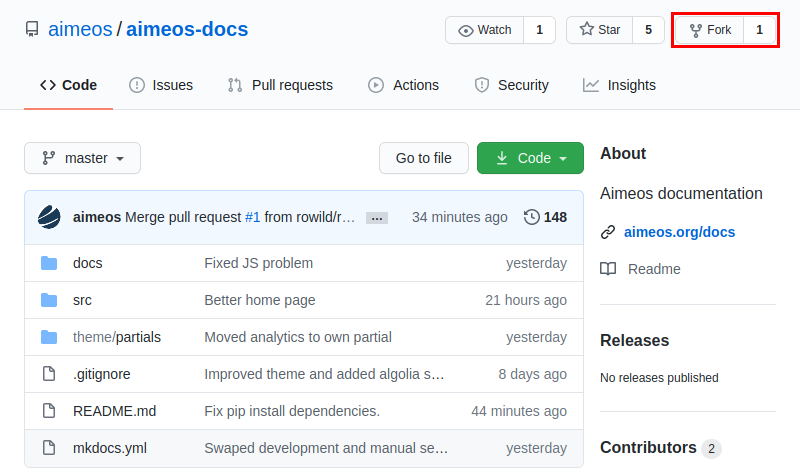
Just fork the repository, edit and add files, commit your changes and create a pull request:
Local setup (optional)
Read on, if you want to know, how to edit the documentation locally using Git and preview your changes on your local machine.
Setting up a git workflow
-
Create a free github account, if you do not already have one
-
Go to
https://github.com/aimeos/aimeos-docsand fork the repo (click on the "Fork" button on the top right, see image above) -
In your terminal, clone the forked repo to a destination of your choice with:
> git clone https://github.com/[YOUR-GITHUB-ACCOUNT]/aimeos-docs.gitThis creates a folder called aimeos-docs.
-
Change into your newly created local aimeos-docs folder and add upstream links to be able to always keep your local clone up-to-date:
> cd aimeos-doc