README
gwq - Git Worktree Manager
gwq is a CLI tool for efficiently managing Git worktrees. Like how ghq manages repository clones, gwq provides intuitive operations for creating, switching, and deleting worktrees using a fuzzy finder interface.
Why gwq?
Git worktrees allow you to check out multiple branches from the same repository into separate directories. This is particularly powerful when:
- Working on multiple features simultaneously
- Running parallel AI coding agents on different tasks
- Reviewing code while developing new features
- Testing changes without disrupting your main workspace
AI Coding Agent Workflows
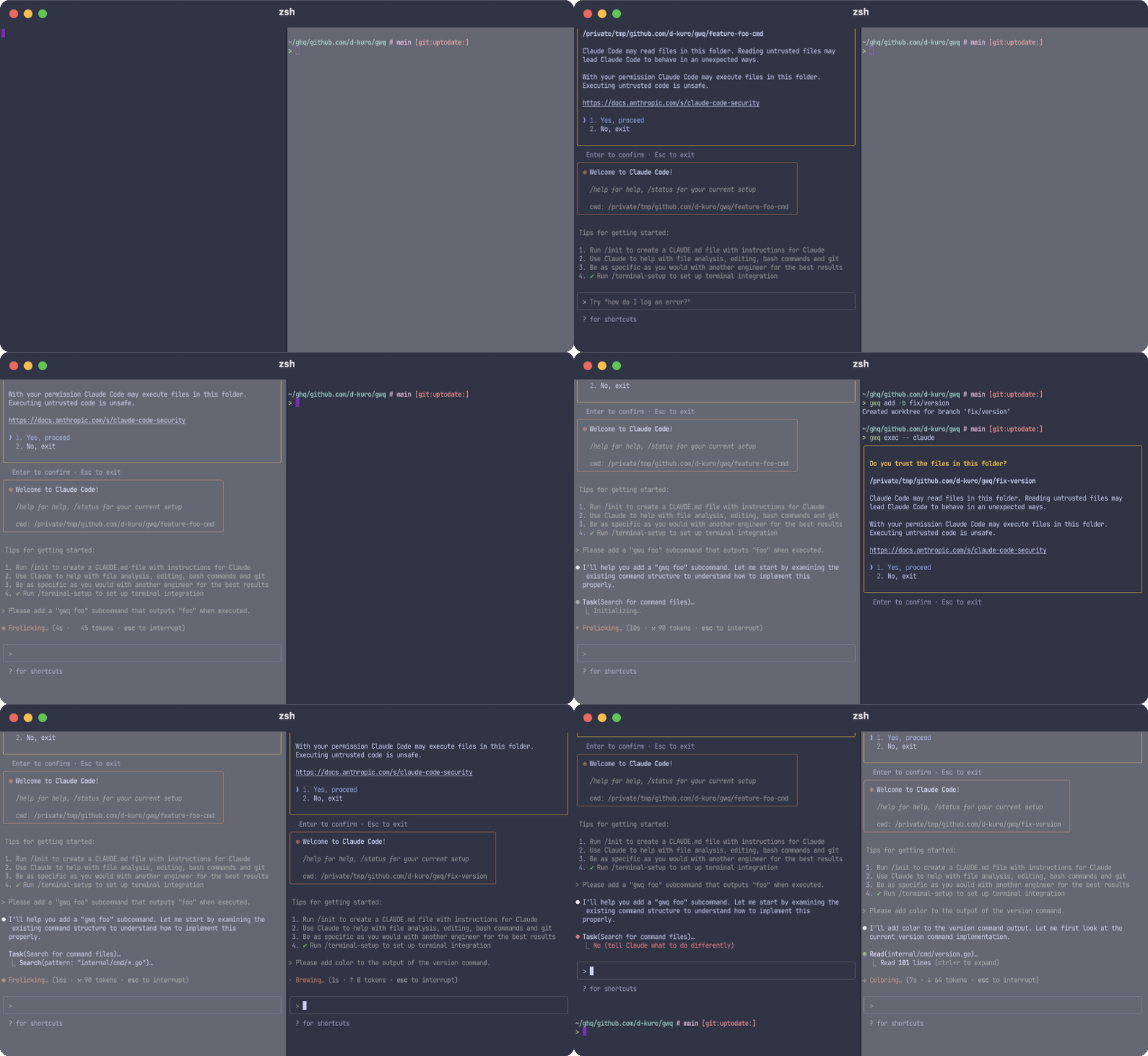
One of the most powerful applications of gwq is enabling parallel AI coding workflows. Instead of having a single AI agent work sequentially through tasks, you can leverage multiple worktrees to have multiple AI agents work on different parts of your project simultaneously:
# Create worktrees for parallel development
gwq add -b feature/authentication
gwq add -b feature/data-visualization
gwq add -b bugfix/login-issue

# Each AI agent can work in its own worktree
cd $(gwq get authentication) && claude
cd $(gwq get visualization) && claude
cd $(gwq get login) && claude