README
Chromex






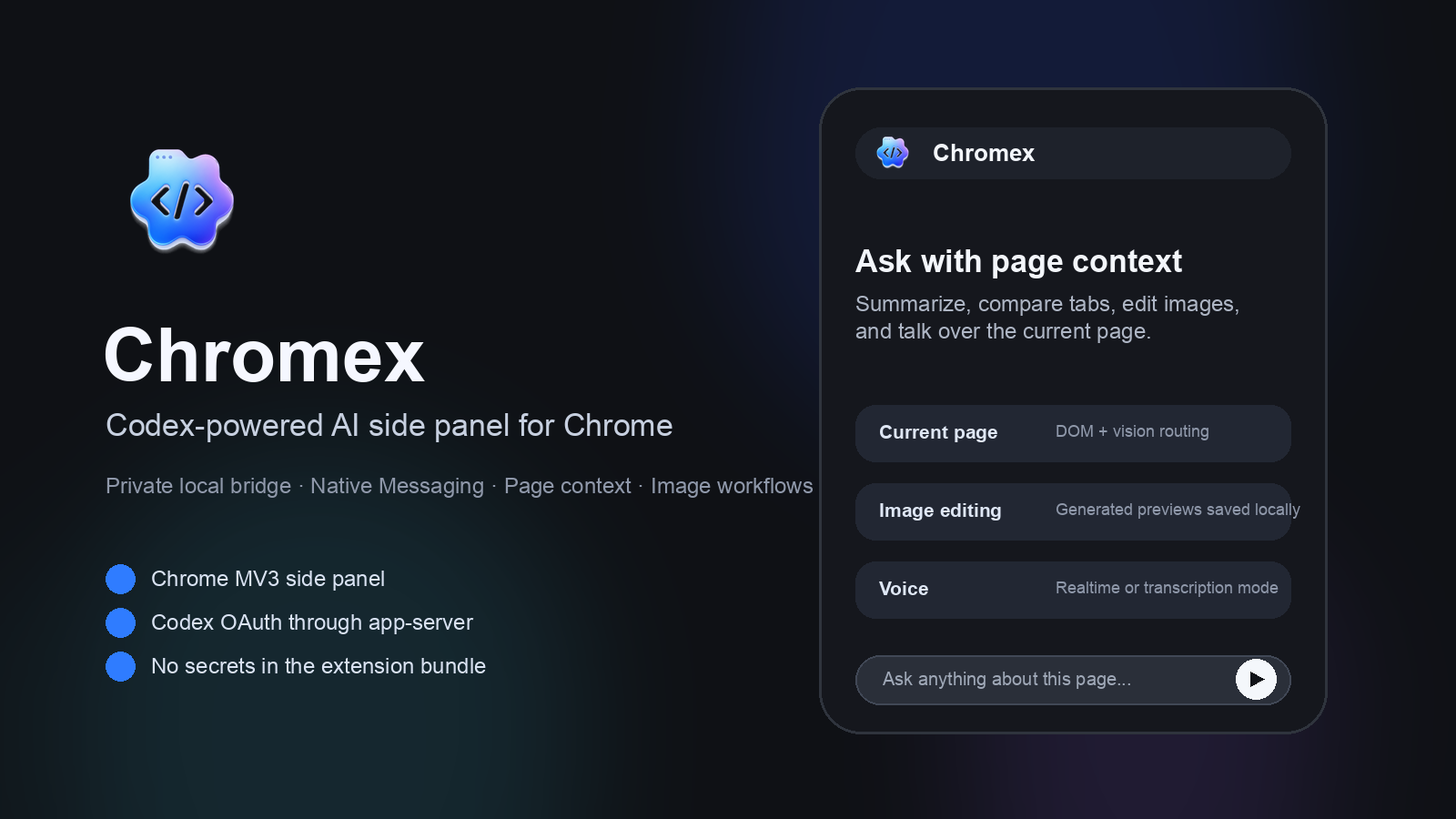
Chromex is a Chrome MV3 side-panel assistant that connects Chrome to Codex through a local native bridge. It helps users work with the current page, selected tabs, uploaded files, voice input, images, and browser workflows while keeping credentials out of extension storage.
Published by GenexisAI CHOI.
What It Does
- Chat with the current webpage, selected open tabs, screenshots, uploaded files, PDFs, Office files, images, and browser history when requested.
- Summarize and compare page content, YouTube videos, news articles, research pages, PDFs, and arXiv papers.
- Edit or generate images through Codex image workflows with local output handling.
- Use voice transcription, live voice mode, page-aware suggestions, custom profiles, and optional Codex skills.
- Run browser-control workflows through Chrome content scripts with visible in-page activity indicators.
Install From Source
GitHub Releases publish source code only. They do not ship a separate chromex-extension unpacked-extension ZIP because users were mixing that browser UI folder with the source folder and running npm install where no package.json exists.
Use the source checkout or chromex-public-source.zip: