README
Draw.io VS Code Integration

This unofficial extension integrates Draw.io (also known as diagrams.net) into VS Code.
Mentioned in the official diagrams.net blog.
Features
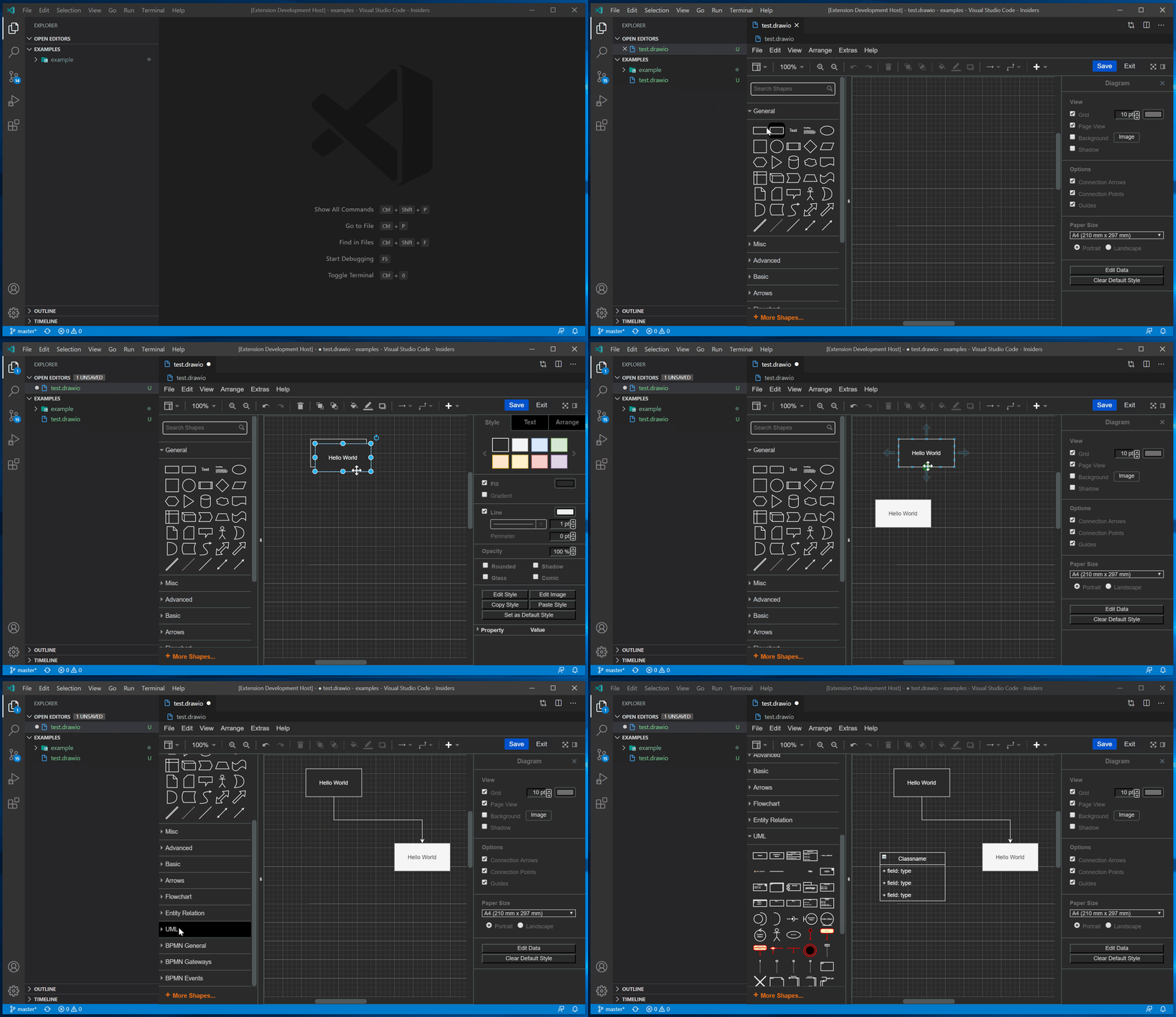
- Edit
.drawio,.dio,.drawio.svgor.drawio.pngfiles in the Draw.io editor.- To create a new diagram, simply create an empty
*.drawio,*.drawio.svgor*.drawio.pngfile and open it. .drawio.svgare valid.svgfiles that can be embedded in Github readme files! No export needed..drawio.pngare valid.pngfiles! No export needed. You should use.svgthough whenever possible - they look much better!- To convert between different formats, use the
Draw.io: Convert To...command.
- To create a new diagram, simply create an empty
- Uses an offline version of Draw.io by default.
- Multiple Draw.io themes are available.
- Use Liveshare to collaboratively edit a diagram with others.
- Nodes/edges can be linked with code spans.
Demo
Editing .drawio.svg/.drawio.png Files
You can directly edit and save .drawio.svg and .drawio.png files.
These files are perfectly valid svg/png-images that contain an embedded Draw.io diagram.
Whenever you edit such a file, the svg/png part of that file is kept up to date.