README
tribeca

tribeca is a very low latency cryptocurrency market making trading bot with a full featured web client, backtester, and supports direct connectivity to several cryptocoin exchanges. On modern hardware, it can react to market data by placing and canceling orders in under a millisecond.
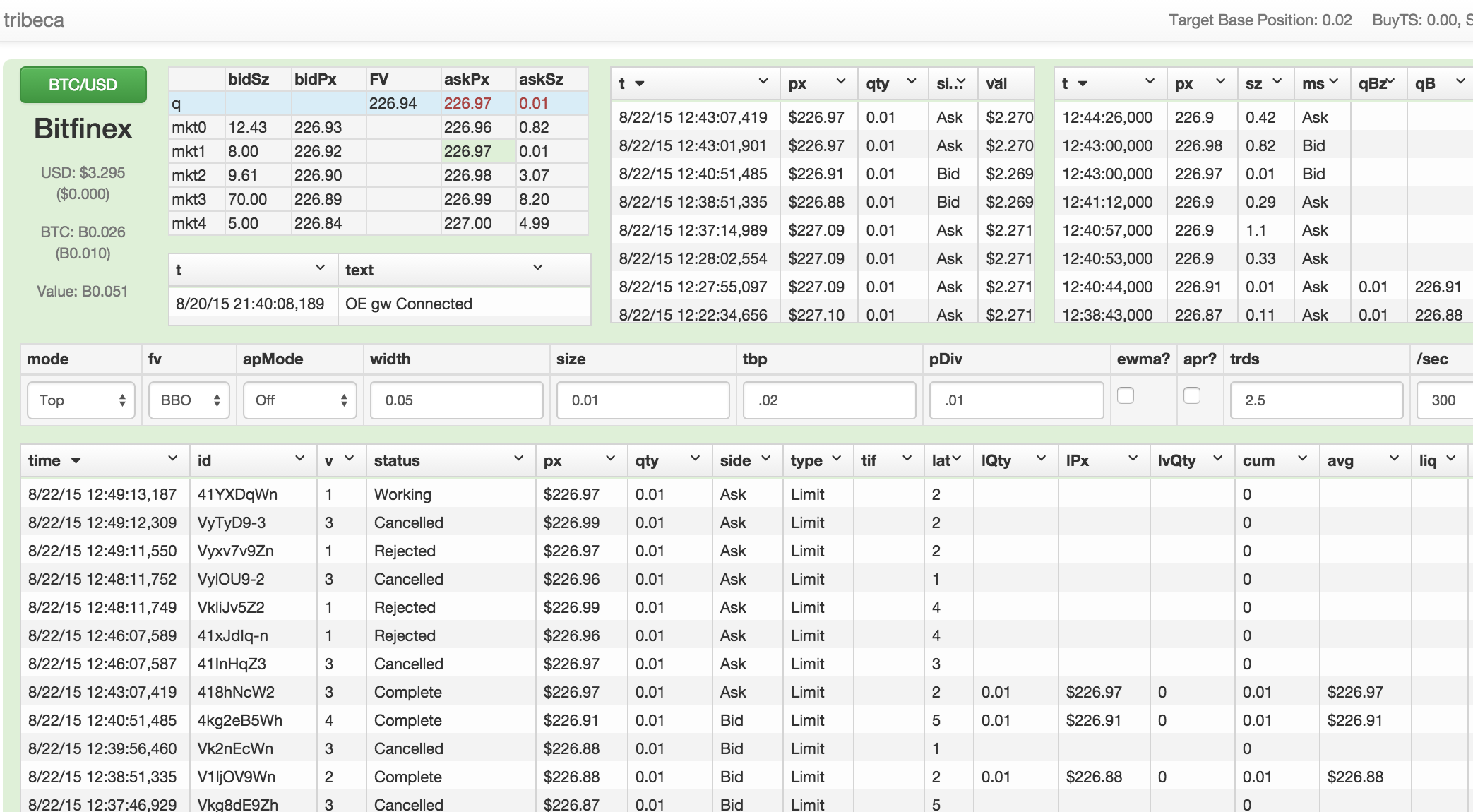
Runs on the latest node.js (v7.8 or greater). Persistence is acheived using mongodb. Installation is recommended via Docker, but manual installation is also supported.
Docker compose installation
-
Install docker compose.
-
Change the environment variables of
envfile to match your desired configuration. Input your exchange connectivity information, account information, and mongoDB credentials. -
Run
docker-compose up -d --build. If you rundocker-compose ps, you should see the containers running.
Docker Installation
-
Please install docker for your system before preceeding. Requires at least Docker 1.7.1. Mac/Windows only: Ensure boot2docker or docker-machine is set up, depending on Docker version. See the docs for more help.
-
Set up mongodb. If you do not have a mongodb instance already running:
docker run -p 27017:27017 --name tribeca-mongo -d mongo. -
Change the environment variables of
envfile to match your desired configuration. Input your exchange connectivity information, account information, and mongoDB credentials. -
Save the Dockerfile, preferably in a secure location and in an empty directory. Build the image from the Dockerfile
docker build -t tribeca . -
Run the container
docker run -p 3000:3000 --link tribeca-mongo:mongo --env-file ./env --name tribeca -d tribeca. If you rundocker ps, you should see tribeca and mongo containers running.