README
Win11Debloat



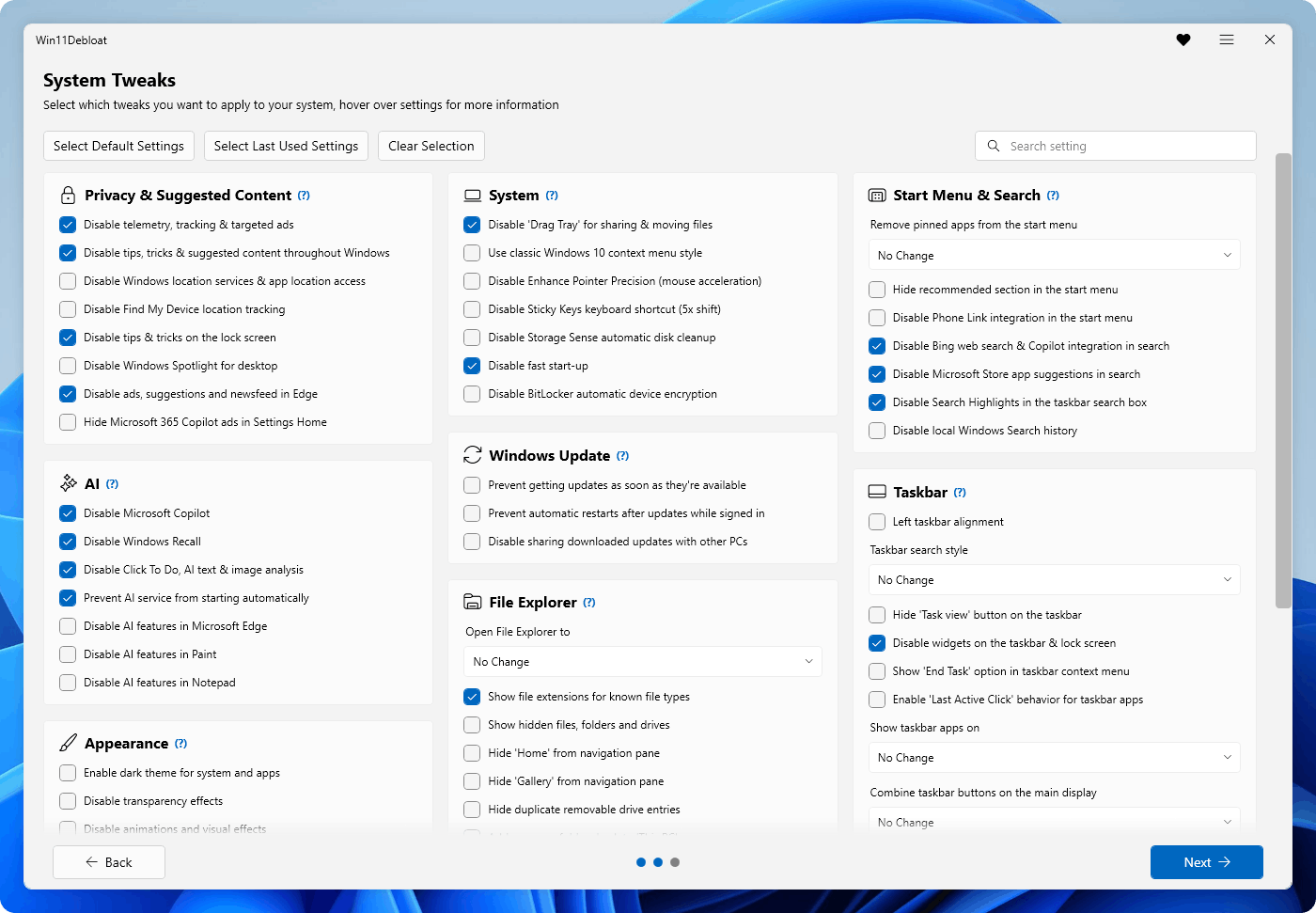
Win11Debloat is a lightweight, easy to use PowerShell script that allows you to quickly declutter and customize your Windows experience. It can remove pre-installed bloatware apps, disable telemetry, remove intrusive interface elements and much more. No need to painstakingly go through all the settings yourself or remove apps one by one. Win11Debloat makes the process quick and easy!
The script also includes many features that system administrators and power users will enjoy. Such as a powerful command-line interface, support for Windows Audit mode and the option to make changes to other Windows users. Please refer to our wiki for more details.
Did this script help you? Please consider buying me a cup of coffee to support my work

Usage
[!Warning] Great care went into making sure this script does not unintentionally break any OS functionality, but use at your own risk! If you run into any issues, please report them here.
Quick method
Download & run the script automatically via PowerShell.
- Open PowerShell or Terminal, preferably as an administrator.
- Copy and paste the command below into PowerShell:
& ([scriptblock]::Create((irm "https://debloat.raphi.re/")))