README
[Wanna try LIVE SERVER++ (BETA) ? It'll enable live changes without saving file. https://github.com/ritwickdey/vscode-live-server-plus-plus ]
Live Server
Live Server loves 💘 your multi-root workspace
Live Server for server side pages like PHP. Check Here
[For 'command not found error' #78]






Launch a local development server with live reload feature for static & dynamic pages.

Shortcuts to Start/Stop Server
[NOTE: In case if you don't have any .html or .htm file in your workspace then you have to follow method no 4 & 5 to start server.]
-
Open a project and click to
Go Livefrom the status bar to turn the server on/off.
-
Right click on a
HTMLfile from Explorer Window and click onOpen with Live Server.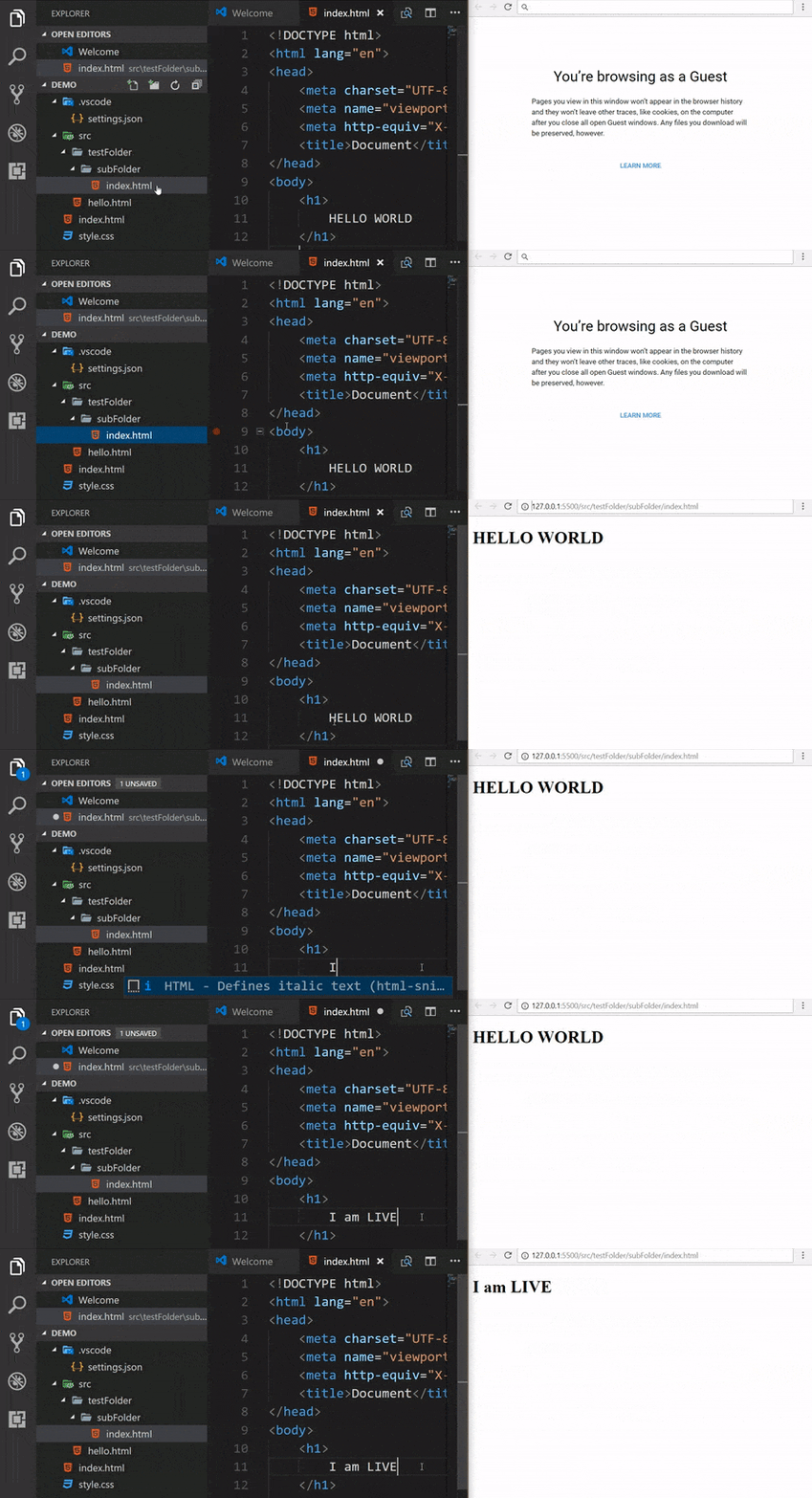 .
. -
Open a HTML file and right-click on the editor and click on
Open with Live Server.