README
Sampler. Visualization for any shell command.

Sampler is a tool for shell commands execution, visualization and alerting. Configured with a simple YAML file.
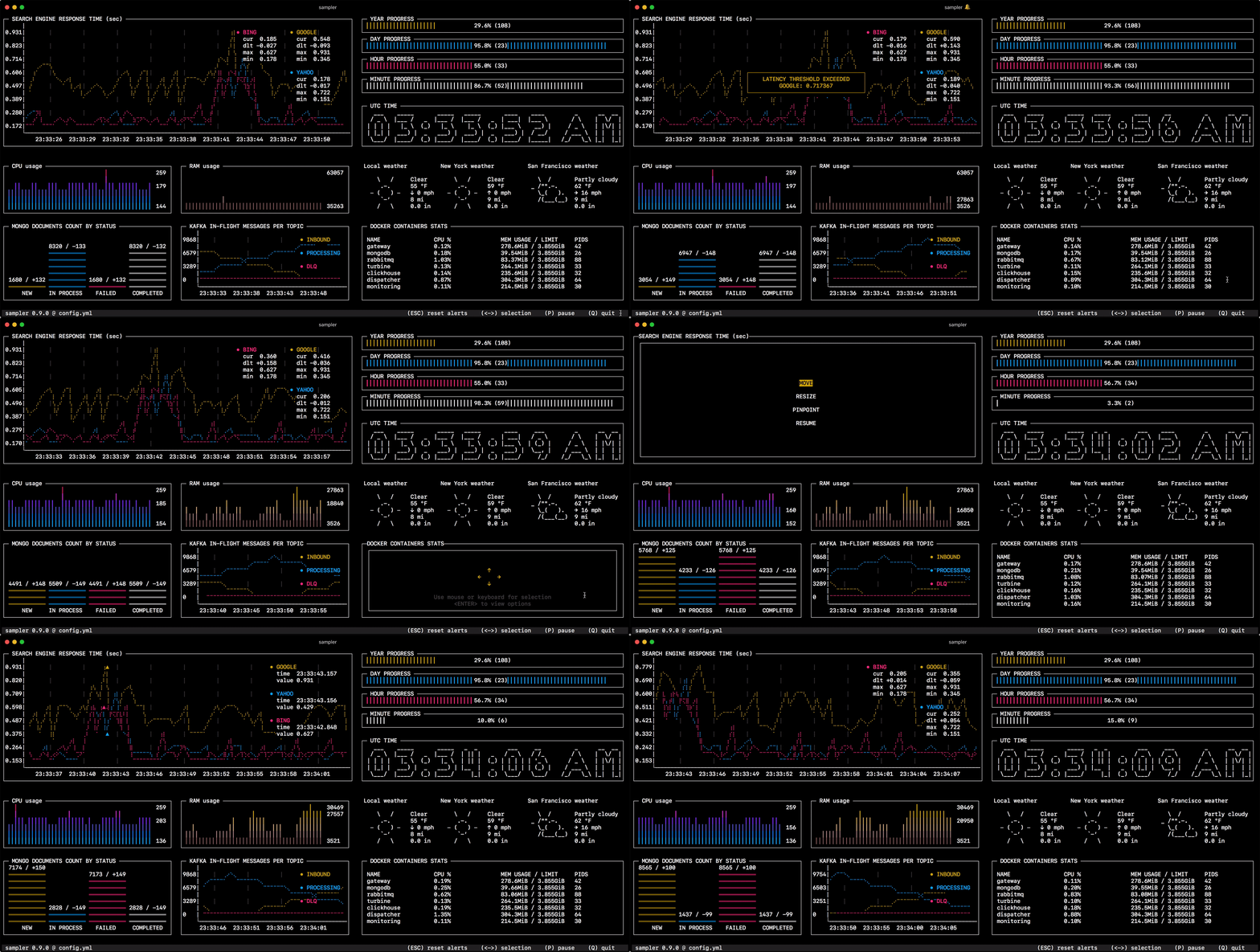
Why do I need it?
One can sample any dynamic process right from the terminal — observe changes in the database, monitor MQ in-flight messages, trigger a deployment script and get notification when it's done.
If there is a way to get a metric using a shell command, then it can be visualized with Sampler momentarily.
Installation
macOS
brew install sampler
sudo port install sampler
or
sudo curl -Lo /usr/local/bin/sampler https://github.com/sqshq/sampler/releases/download/v1.1.0/sampler-1.1.0-darwin-amd64
sudo chmod +x /usr/local/bin/sampler