README
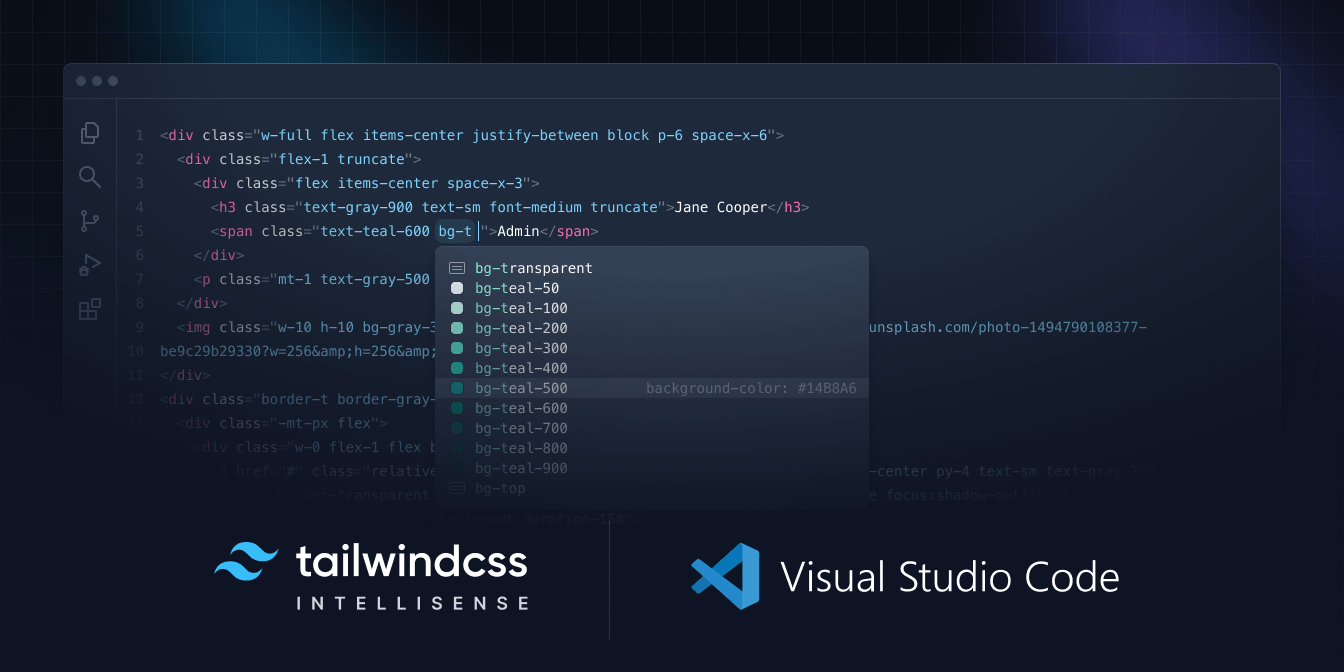
Tailwind CSS IntelliSense enhances the Tailwind development experience by providing Visual Studio Code users with advanced features such as autocomplete, syntax highlighting, and linting.
Installation
Install via the Visual Studio Code Marketplace →
In order for the extension to activate you must have tailwindcss installed and one of these:
- For v4 and later, a
.cssfile that imports a Tailwind CSS stylesheet (e.g.@import "tailwindcss") - For v3 and earlier, a Tailwind CSS config file named
tailwind.config.{js,cjs,mjs,ts,cts,mts}in your workspace. - For v3 and earlier, a stylesheet that points to a config file via
@config
Features
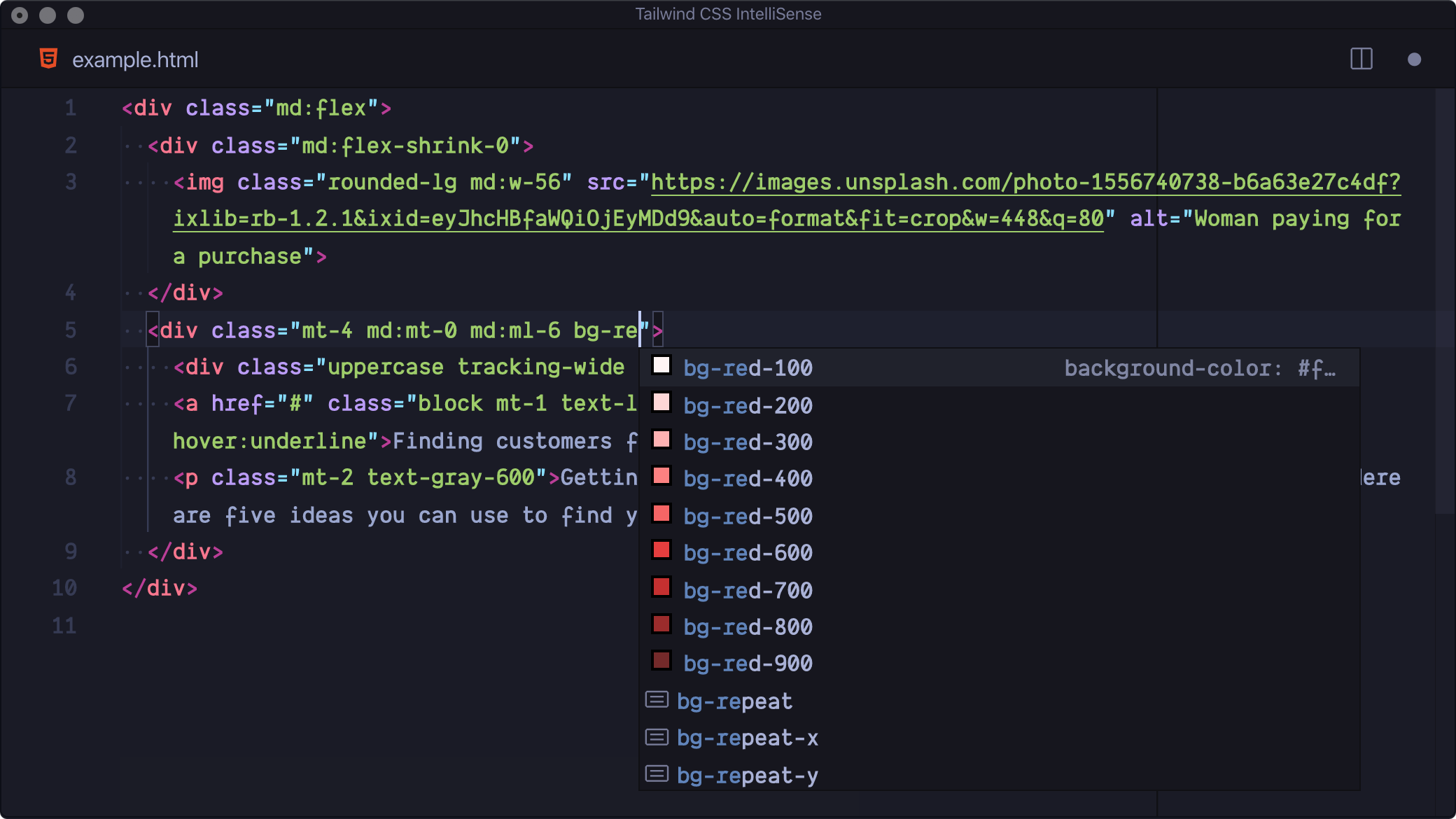
Autocomplete
Intelligent suggestions for class names, as well as CSS functions and directives.
Linting
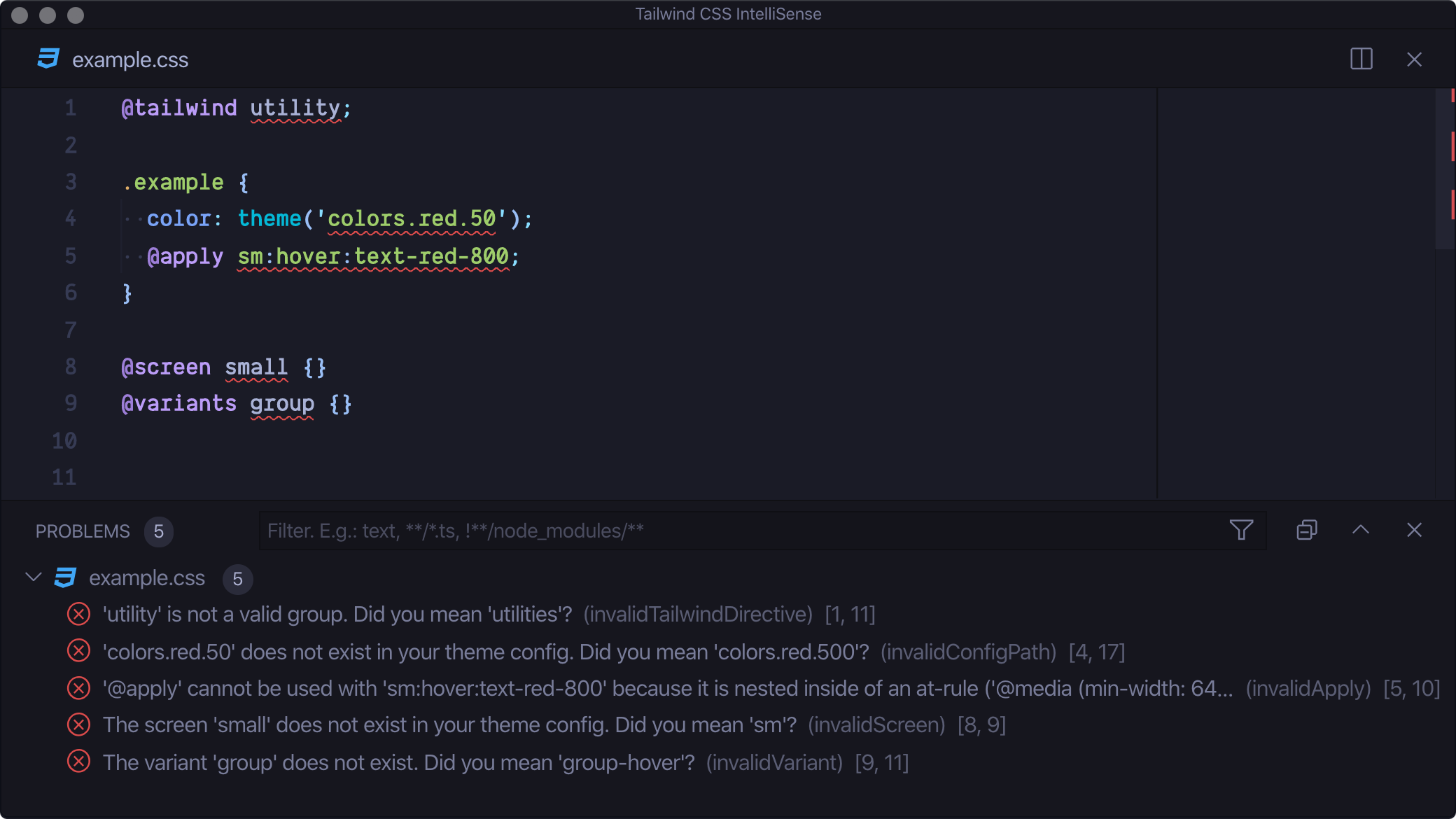
Highlights errors and potential bugs in both your CSS and your markup.