README
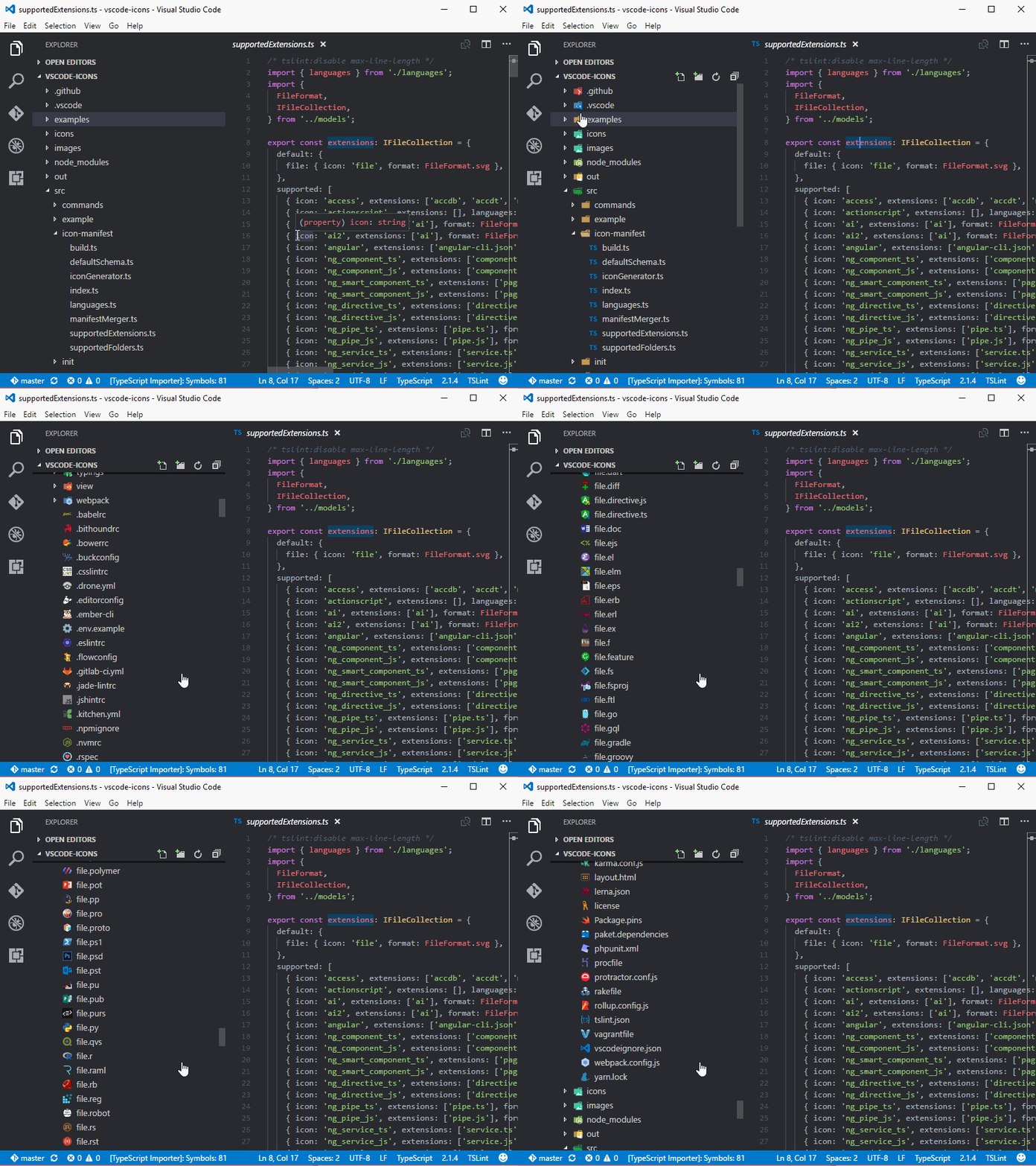
Bring real icons to your Visual Studio Code
minimum supported version: 1.82.0
Installation
To install the extension just execute the following command in the Command Palette of Visual Studio Code:
ext install vscode-icons
Some people have reported that they cannot find the extension when they insert the installation command.
If you find yourself in the same position, try:
ext install icons
# or